Local shell
Run your build tools and coding agents on this computer, next to the serial console. No SSH server or WSL installation is required.
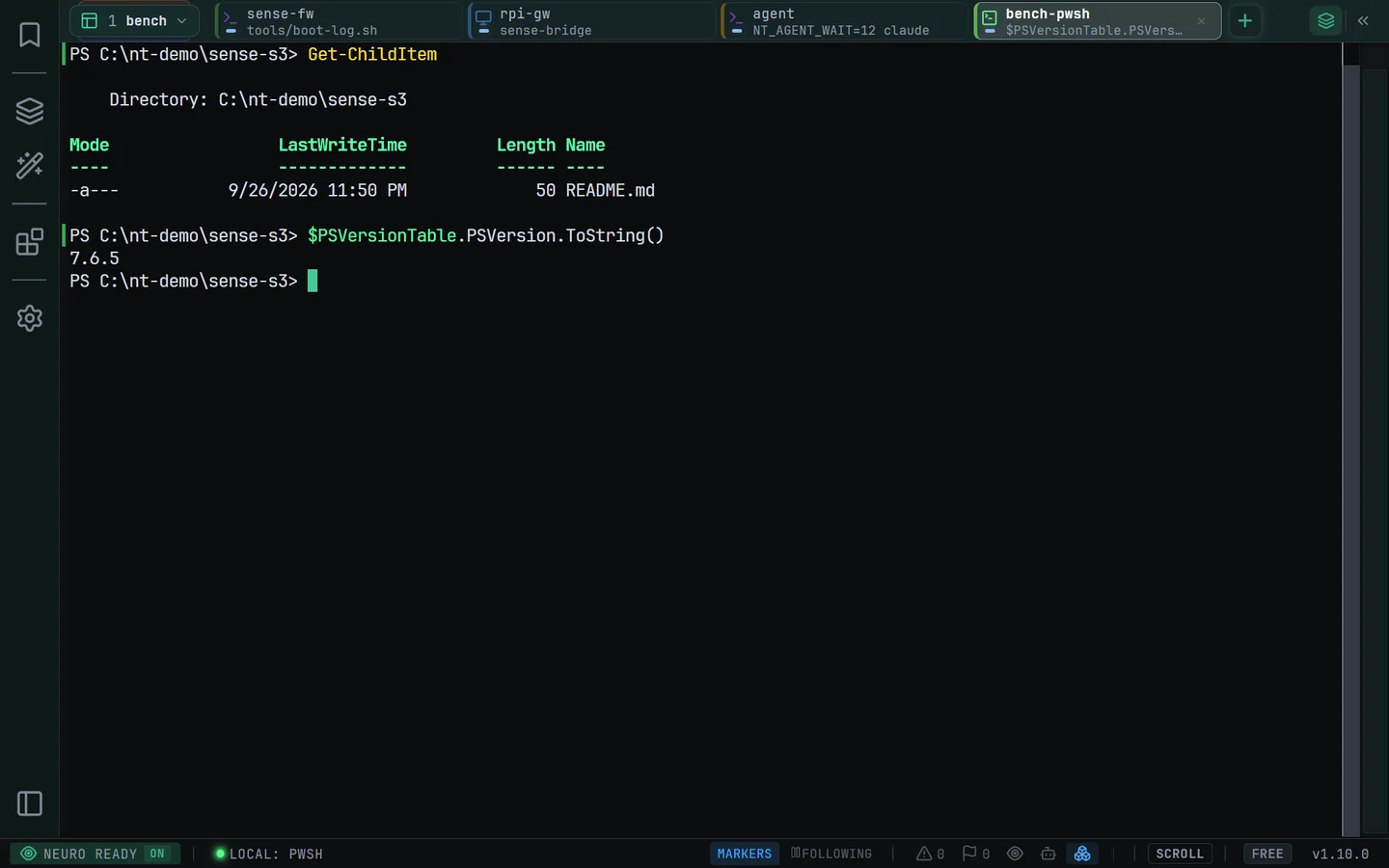
Open your shell
- Open New Session and select Local. A native shell starts in your home directory.
- On Windows, choose the default Local shell in Settings: pwsh, Windows PowerShell or cmd. Auto tries pwsh first, then Windows PowerShell.
- Save a Local connection profile when you want a particular shell and starting directory. Launch your installed agent or build command at the prompt.
On Linux, Local uses your executable $SHELL, falling back to /bin/bash and then /bin/sh. Install the tools you want to run separately and make them available to that shell.
What is restored
After relaunch, the tab opens the same shell in its last reported directory. PowerShell and bash provide shell integration for command and directory tracking. cmd, zsh and fish run without that integration.
A missing or invalid starting directory falls back to home. Relaunch opens a fresh shell. To restore a Claude Code or Codex conversation, set up Agent resume.
If the shell stops
- Typing
exitcloses the tab. Ctrl+Alt+Z restores it with scrollback and a new shell. - A broken terminal or signalled shell on Linux leaves a disconnected banner. Reconnect starts a fresh shell; Local does not reconnect automatically.
- If a pinned shell is unavailable, NeuroTerm tries Auto and shows a notice. If neither Windows PowerShell nor pwsh is available in Auto mode, install one or choose cmd.
Closing the tab or quitting ends the attached shell and its child processes. Local tabs do not provide SFTP, an elevated shell, or arbitrary Windows shell paths.