Local RAG
Getting Started
NeuroFlash & Neuro
Reference
Local RAG
Import your datasheets and documentation. Neuro Input uses this knowledge for hardware-specific commands.
What is RAG?
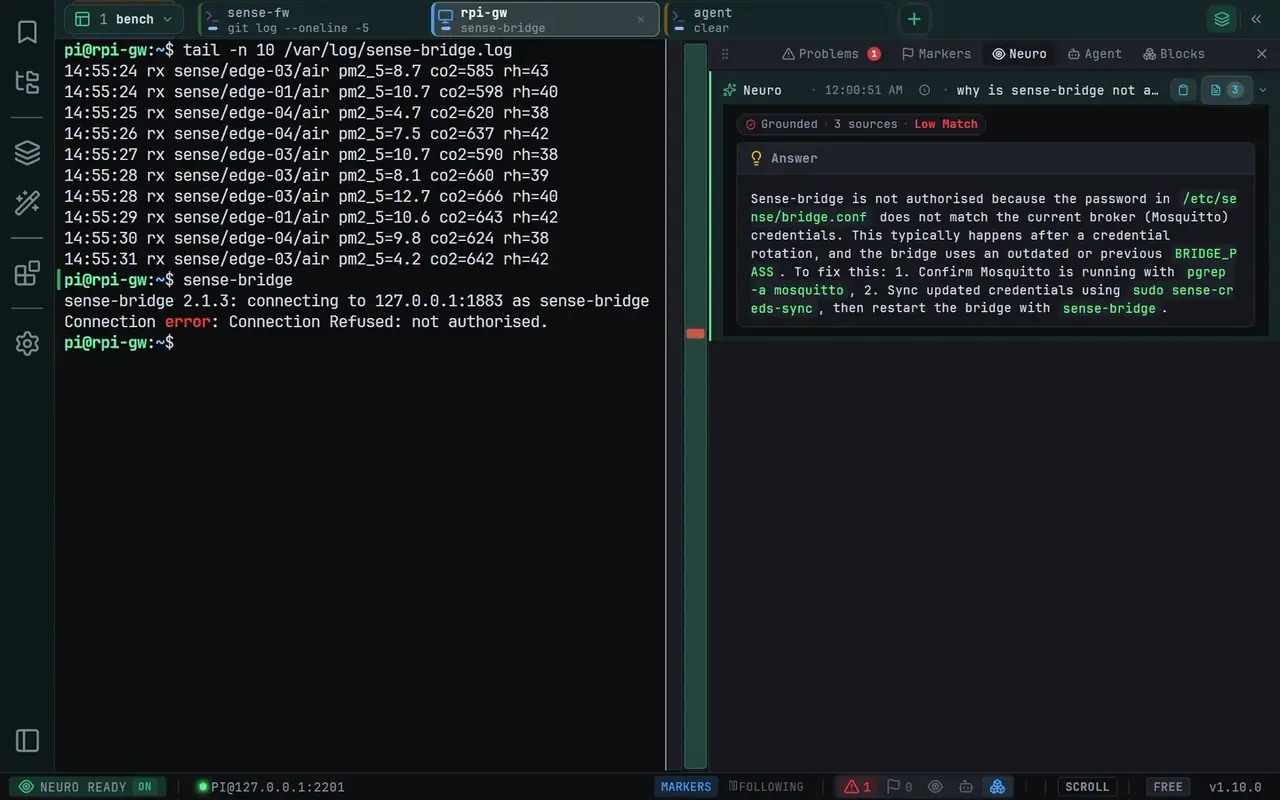
RAG (Retrieval-Augmented Generation) enhances AI responses with your own documents. When you ask a question, NeuroTerm searches your imported docs and includes relevant context in the AI prompt.
Importing Documents
Open the Context sidebar
Click the Context icon in the activity bar
Go to Knowledge Base
Find the document import section
Add documents
Click "Import" and select your files
Supported Formats
How It Works
1. Chunking
Documents are split into smaller chunks for efficient searching.
2. Embedding
Each chunk is converted to a vector using local LLM's embedding model. Stored locally in SQLite-vec.
3. Retrieval
When you ask a question, similar chunks are found via vector search.
4. Generation
Retrieved context is included in the prompt. AI generates answers using your docs.
Best Practices
Use focused documents
Import specific datasheets, not entire manuals. Pinmux tables, register maps, and command references work best.
Include context in filenames
Name files descriptively: imx8mp-gpio-pinmux.md instead of notes.txt
Keep documents current
Re-import updated docs to refresh the knowledge base. Old versions can be removed.
Local by default
Documents and their embeddings are stored and computed on your machine with a local embedding model. If you turn on Cloud AI, retrieved document text is sent with your prompts to the model provider via OpenRouter, with secrets redacted.