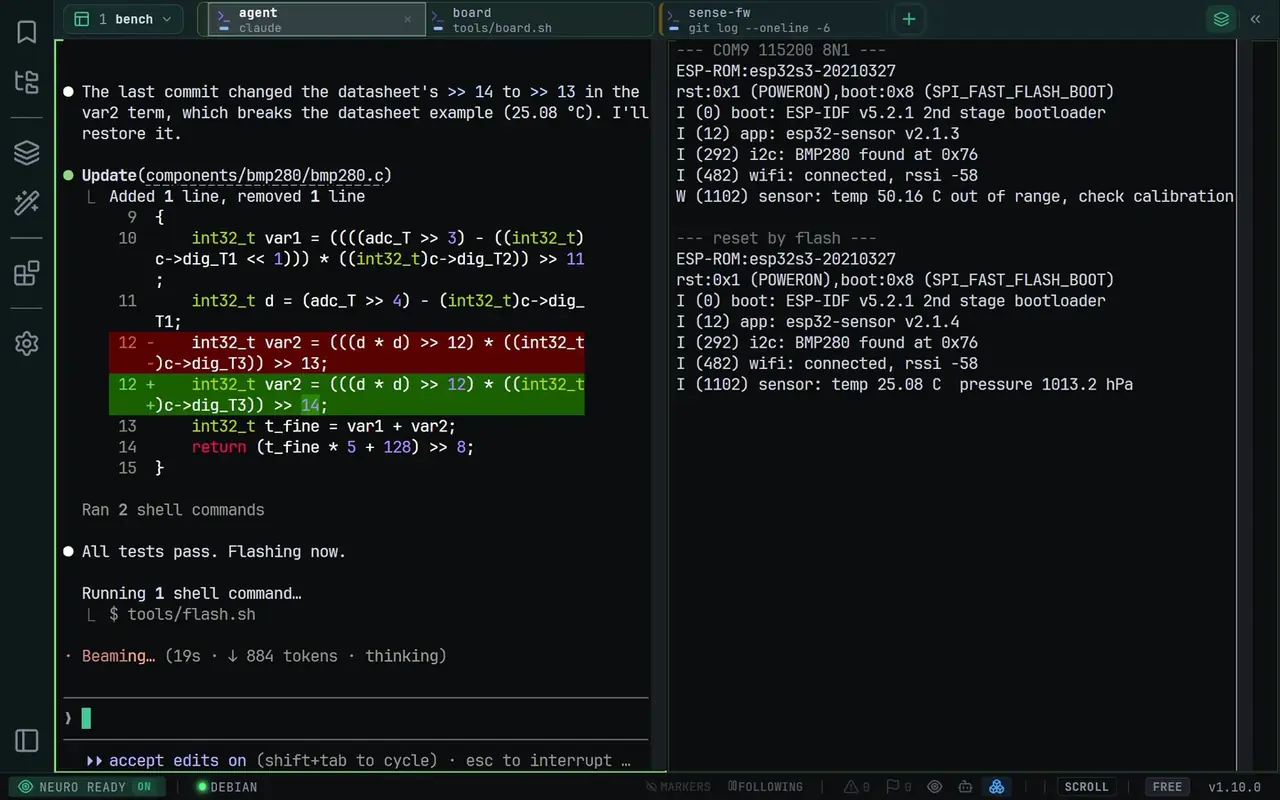
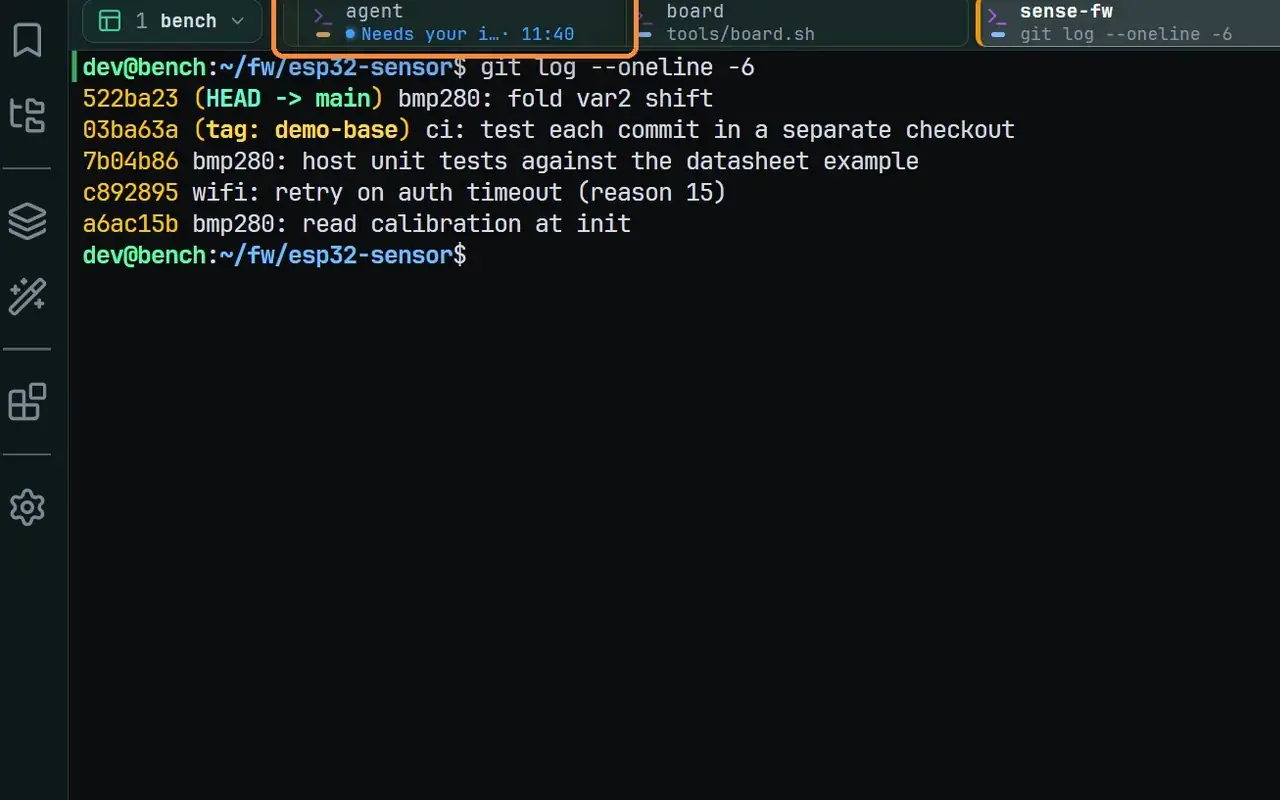
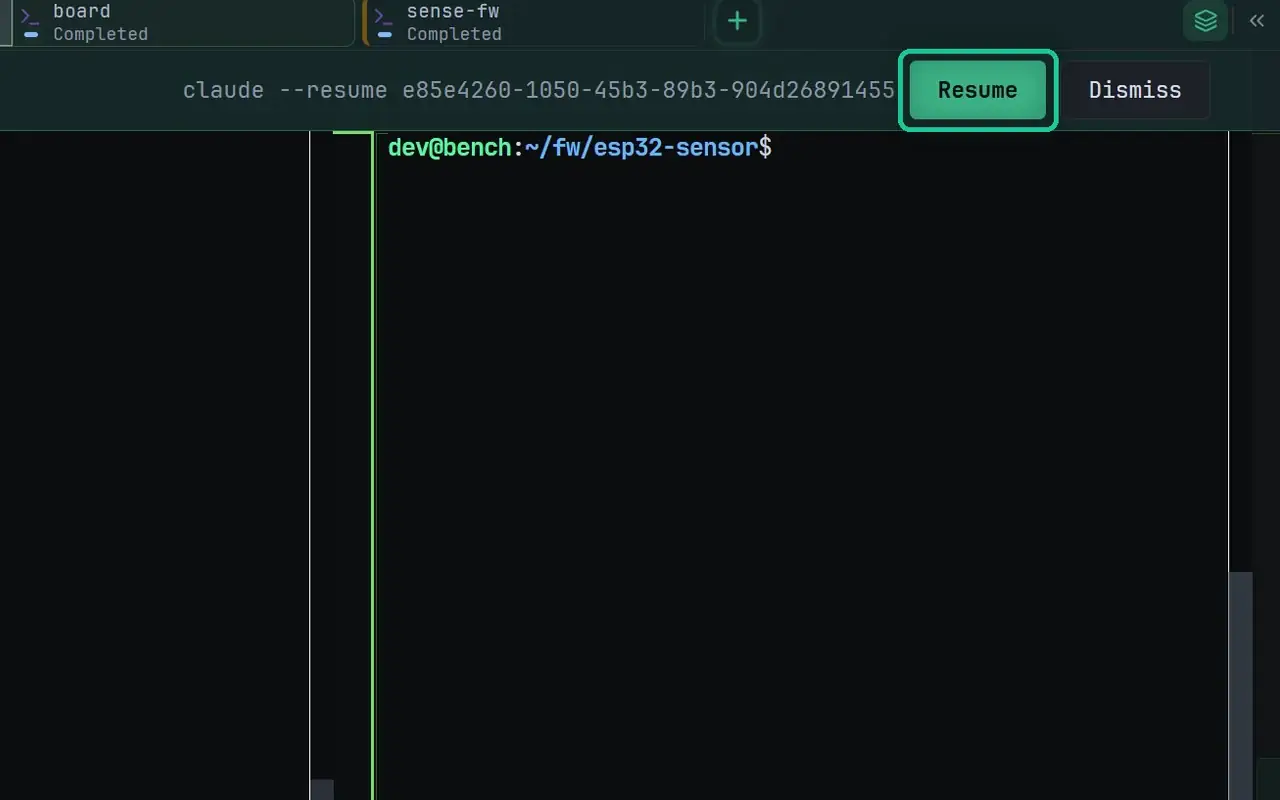
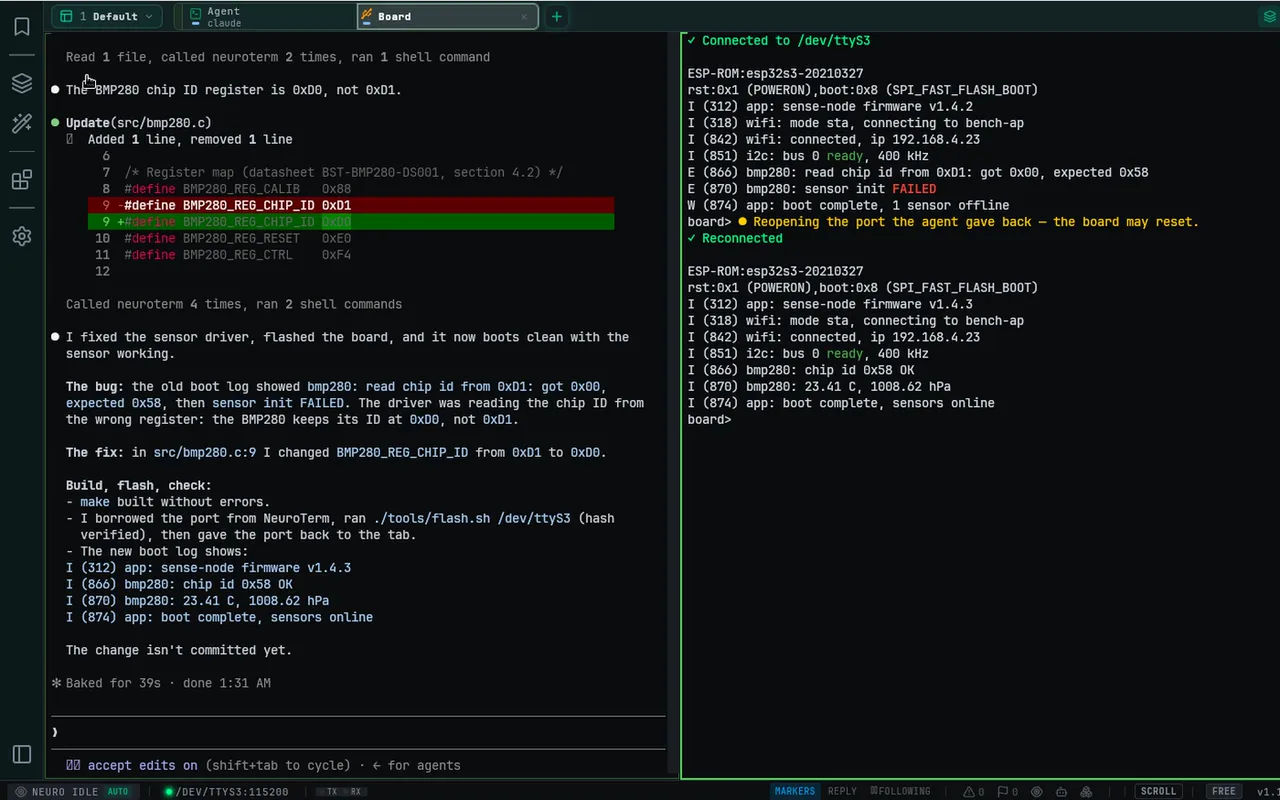
Everything you need. Nothing you don't.

Professional-grade features for embedded Linux, MCU, and IoT development. All powered by local LLM.

Neuro Intelligence

Local LLM that understands your hardware

@

Neuro Input

Type natural language, get terminal commands. Powered by your local LLM for complete privacy.

  • Natural language to command translation
  • Streaming responses in real-time
  • Download models directly in Settings
  • Zero data leaves your machine
?>

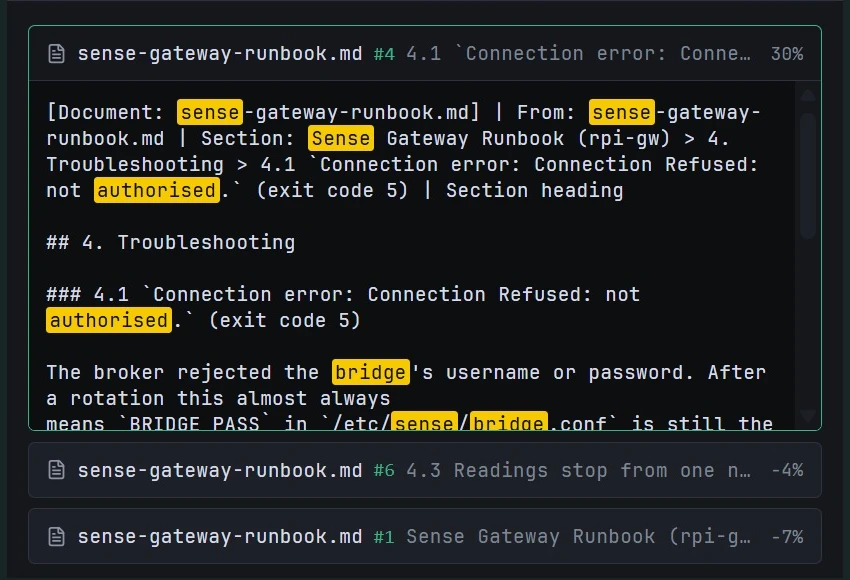
Local RAG System

Import datasheets and docs. AI uses your knowledge base for context-aware answers.

  • Import PDF, DOCX, MD, and TXT files
  • Semantic search with embeddings
  • SQLite-vec vector storage
  • Citations in AI responses
n/

Neuro Tools

Pre-built workflows for common tasks. One-click issue reports, summaries, and explanations.

  • Issue Report: GitHub-ready format
  • Summary: 1-3 sentence overview
  • Detailed Description: Technical deep-dive
  • Create custom Neuro tools
~$

Job Modes

Context-aware AI that adapts to your workflow. Switch between Linux, MCU, and Network modes.

  • Built-in: Linux, MCU, Network modes
  • Create custom modes
  • Mode-specific highlighting
  • Mode-specific pattern markers
(!)

Neuro Assist

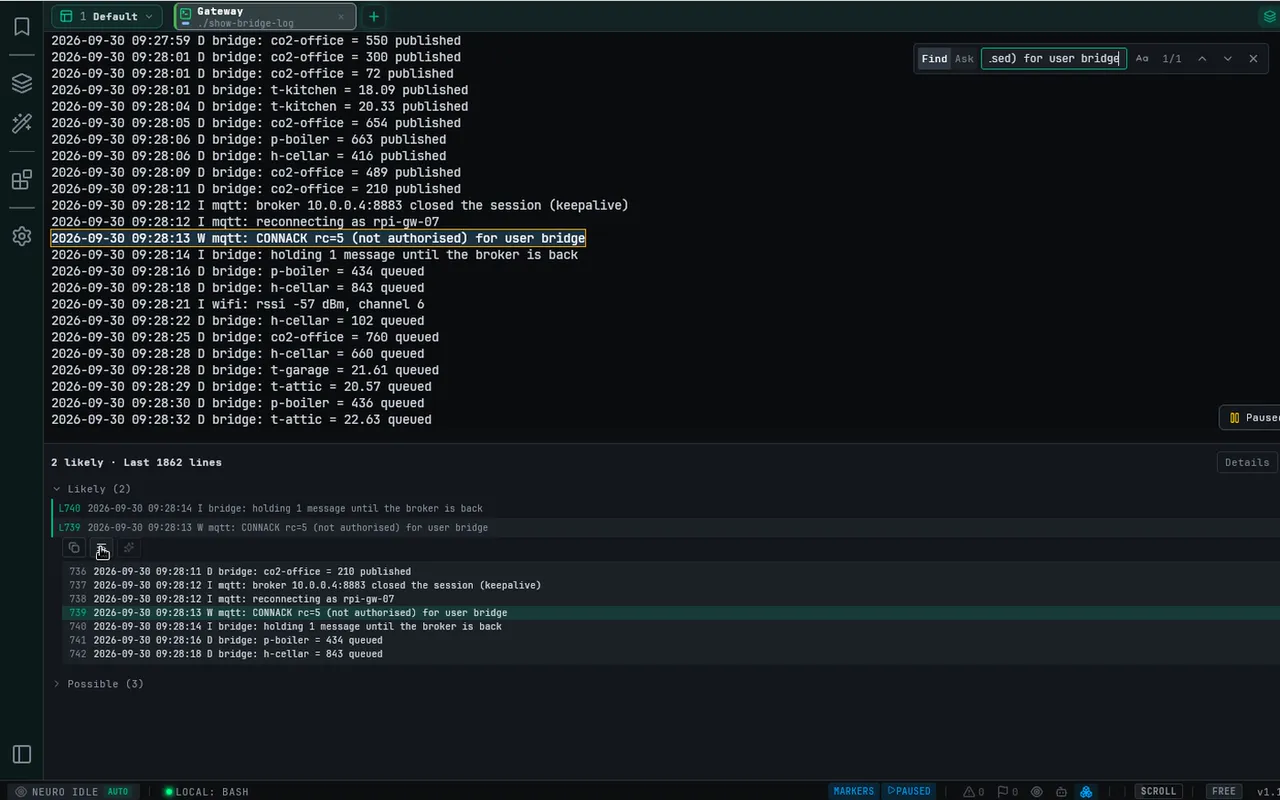
Proactive error detection during idle. Get automatic TL;DR summaries when issues occur.

  • Detects session inactivity
  • Auto-analyzes errors in background
  • Toast notifications with summaries
  • Per-session tracking

Connectivity

Serial, SSH, WSL, and file transfer in one app

COM

Native Serial Access

Direct connection to COM ports with full control. No browser limitations.

  • Full DTR/RTS signal control
  • All baud rates up to 921600
  • Data bits, parity, stop bits config
  • Hardware and software flow control
ssh

SSH Terminal

Secure shell access to remote servers with full PTY support.

  • Password and SSH key auth
  • Known hosts verification (TOFU)
  • Terminal resize support
  • Integrated with SFTP
wsl

WSL Terminal

Native Windows Subsystem for Linux support with integrated file browser.

  • Connect to any WSL distribution
  • File browser via \\wsl$\ paths
  • Zero configuration required
  • Full terminal features
scp

SFTP File Browser

Browse, upload, and download files over SSH connections.

  • Directory browsing with tree view
  • Upload/download with progress
  • Resume interrupted transfers
  • Create, rename, delete files
>>

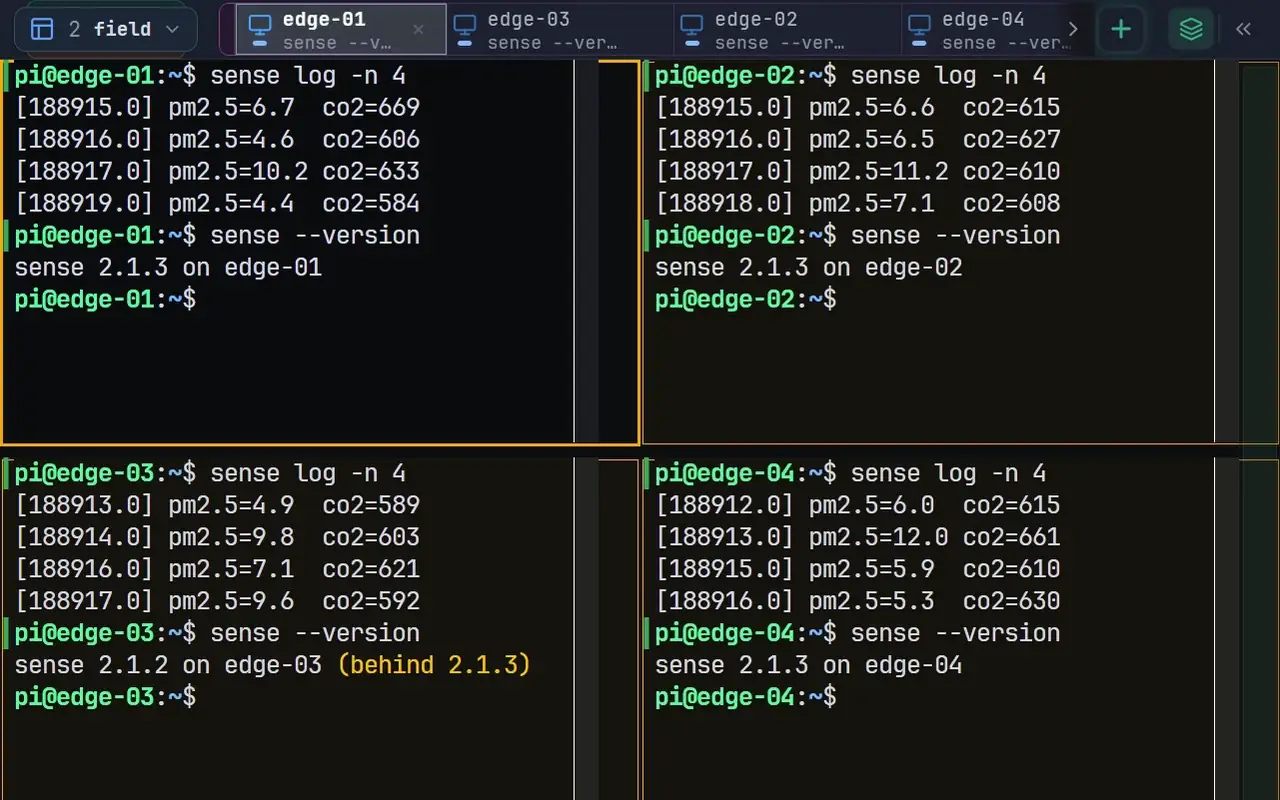
Multi-Session

Up to 20 concurrent connections in tabs. Switch between Serial, SSH, and WSL seamlessly.

  • Tabbed interface
  • Serial, SSH, and WSL support
  • Per-session settings
  • Quick profile switching
[+]

Pop-out Windows

Detach sessions to separate windows for multi-monitor workflows.

  • Full terminal functionality
  • Buffer preservation on reattach
  • Independent panel and sidebar
  • Marker transfer between windows
id

Environment Detection

Auto-detect target platform. NeuroTerm identifies Linux distros, MCU types, and U-Boot automatically.

  • Detects Yocto, Buildroot, Debian, etc.
  • Identifies MCU manufacturers
  • U-Boot bootloader detection
  • Platform-specific suggestions

Terminal Experience

Fast, beautiful, and customizable

gpu

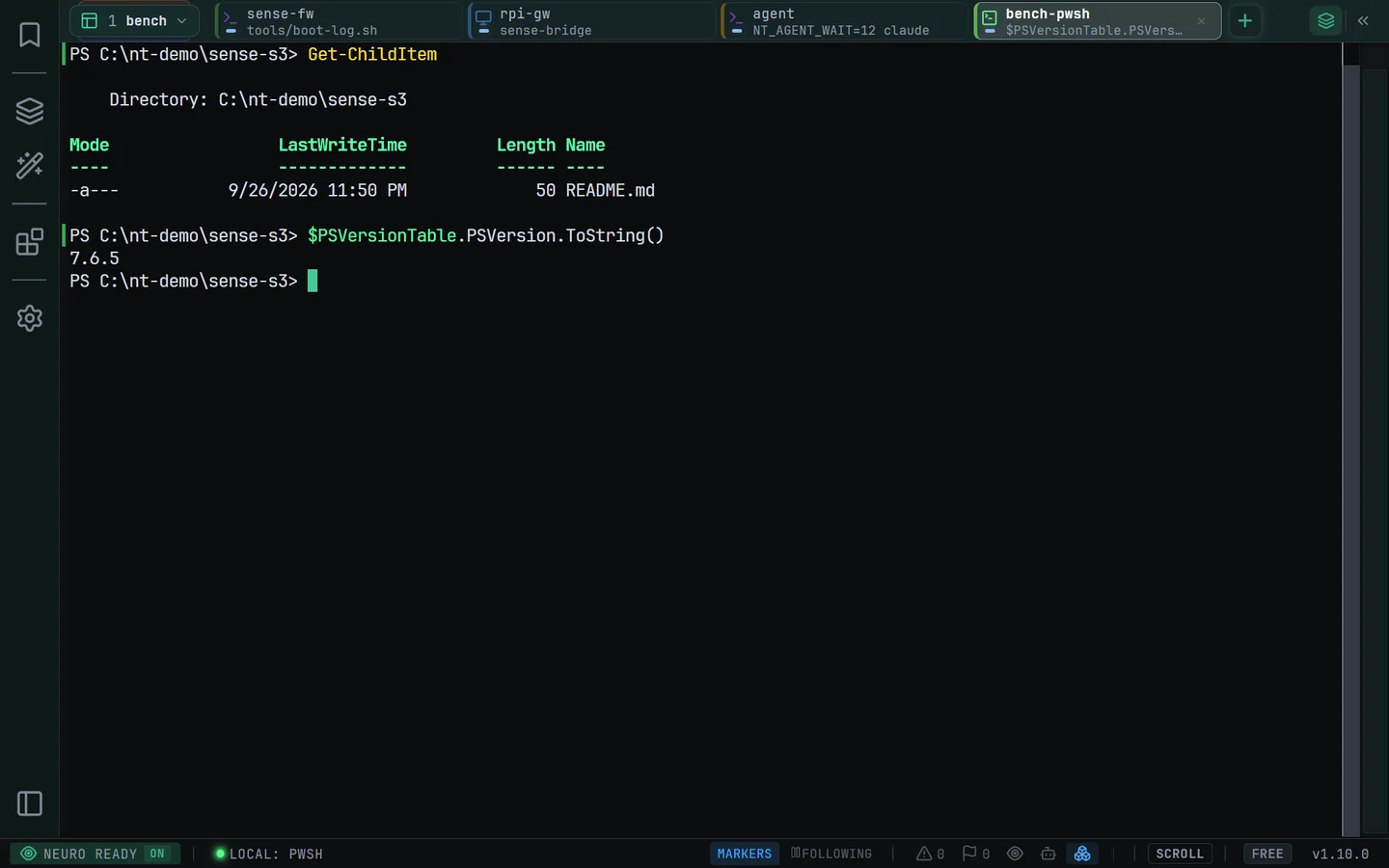
GPU Rendering

WebGL-accelerated terminal rendering for buttery smooth scrolling at any speed.

  • Hardware-accelerated graphics
  • 60fps scrolling performance
  • Handles high-speed data streams
  • Efficient memory usage
/re/

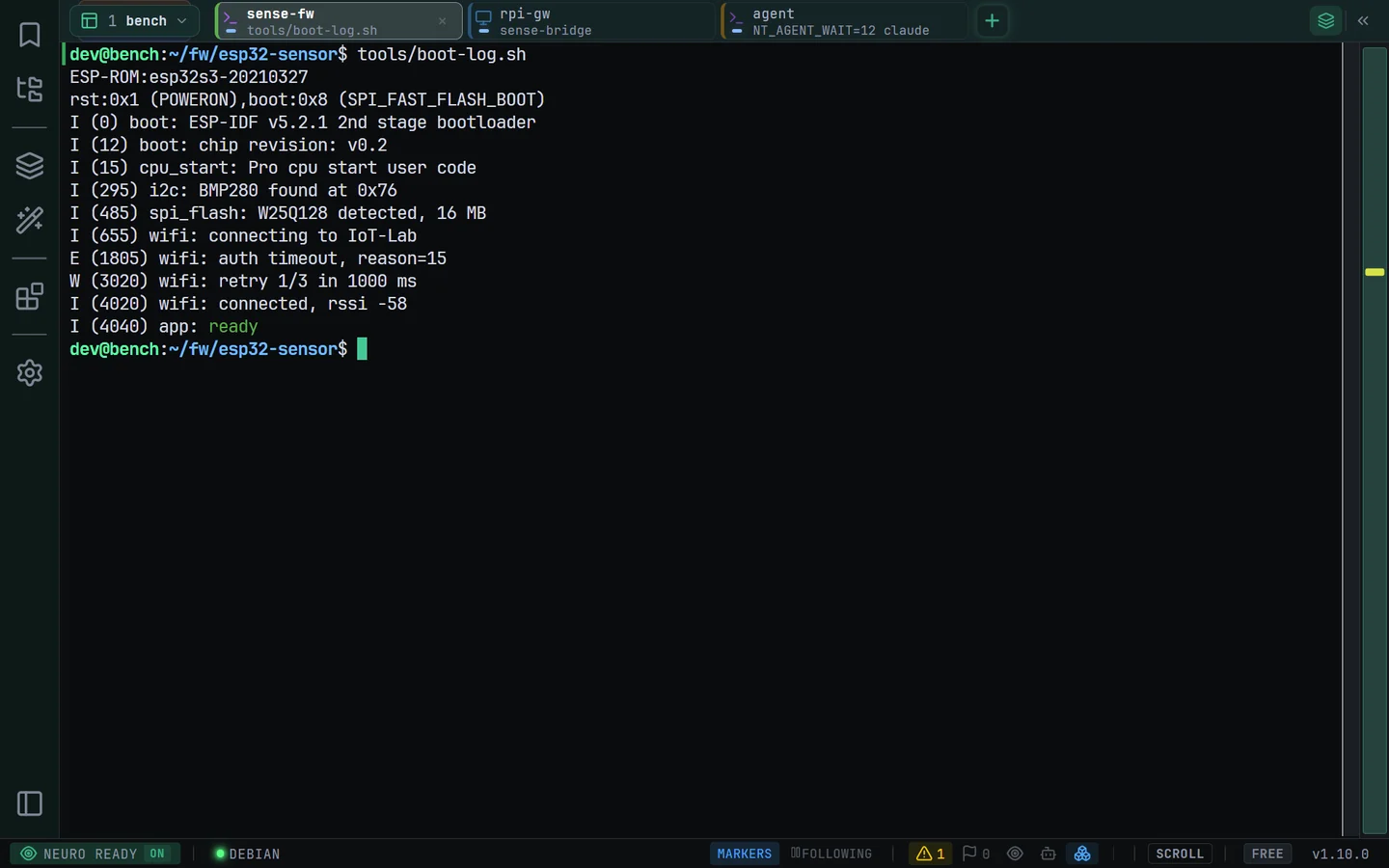
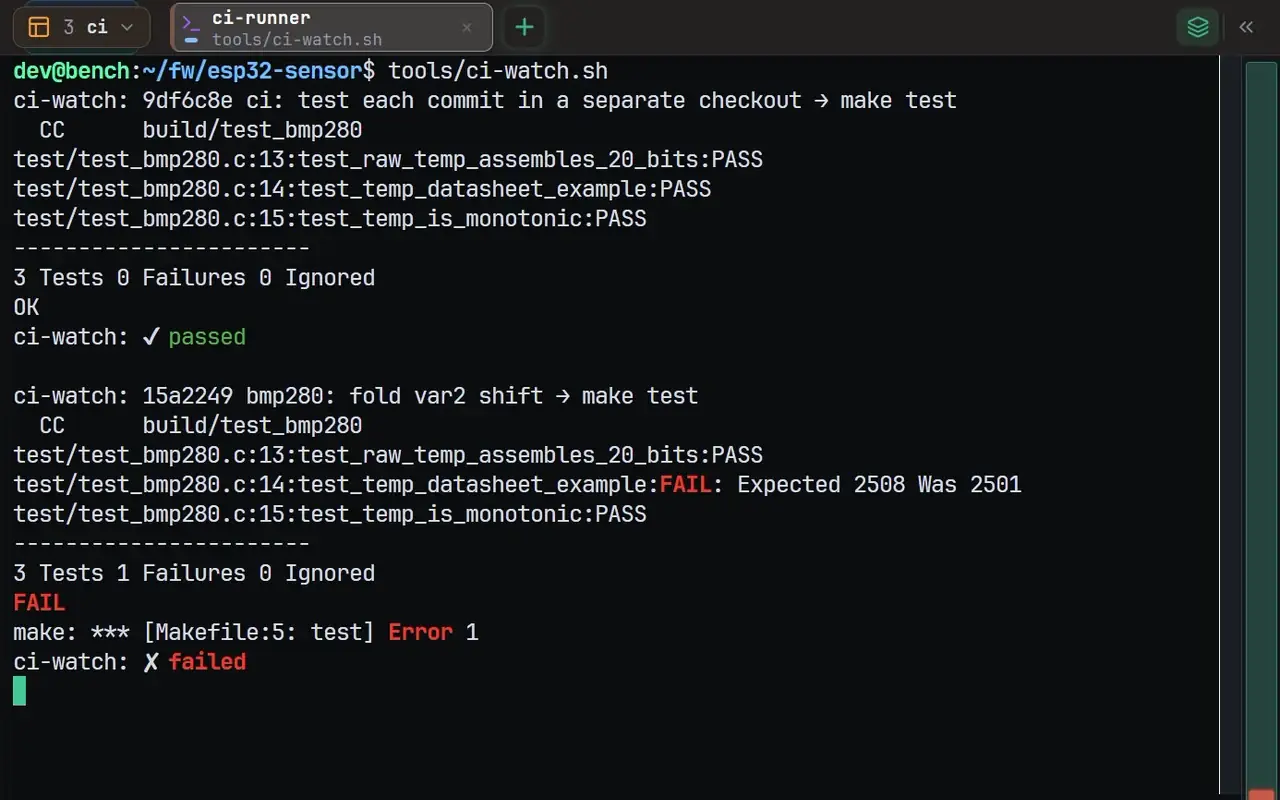
Pattern Highlighting

Real-time syntax highlighting with customizable presets for boot logs and errors.

  • Mode-specific presets (Linux/MCU/Network)
  • Custom regex patterns
  • Color-coded error detection
  • Bold and color styling
[!]

Pattern Minimap

Visual overview of errors, warnings, and boot stages with quick navigation.

  • Color-coded markers on scrollbar
  • F7/F8 for warning/error navigation
  • Stale marker detection
  • Clustered display for dense logs
|>

Smart Filters

Filter terminal output in real-time. Show or hide lines matching your criteria.

  • Show or hide matching lines
  • Regex pattern support
  • Live match counting
  • Non-destructive filtering
=>

Auto-Reply Patterns

Automate responses to common prompts. Perfect for boot sequences and login automation.

  • 7 built-in patterns (U-Boot, login, etc.)
  • Custom pattern creation
  • Configurable responses
  • Enable/disable per session
tab

Command History

Smart command history with ghost typing suggestions as you type.

  • Arrow key navigation
  • Ghost typing suggestions
  • Fuzzy matching
  • Persistent across sessions
?=

Hover Decoder

Instant decoding on hover. Hex values, error codes, and timestamps decoded automatically.

  • Hex to decimal conversion
  • Error code lookup
  • Unix timestamp decoding
  • Register value interpretation

Coming soon

team

Team Collaboration

Share connection profiles, macros, and settings with your team. Sync across devices.

*nix

macOS & Linux

Cross-platform support is on the roadmap. Windows 10/11 only for now.

Ready to try it?

Free tier available. Windows 10/11 required.