Ask Your Terminal.
It Knows the Datasheet.
Serial + SSH + WSL with local AI built in. Cloud AI optional. Zero telemetry.
Local-first AI for embedded engineers. No subscriptions. No data collection.
Privacy-first. Local AI runs on your machine by default. Connect cloud models when you need more power. Free forever.
Private by default. Built for embedded engineers.
Your datasheets and code stay on your machine. Cloud AI available when you choose it.
Neuro Input
Type @ and describe what you want
Natural language to terminal commands. Powered by local LLM by default. Optional cloud models for maximum quality.
- Type @ followed by what you want: '@list serial ports'
- Local LLM generates the exact command
Ask Your Datasheets
Import docs. Get context-aware answers.
Drop your datasheets and reference manuals into NeuroTerm. When you ask questions, the AI searches your documents and cites the exact page.
- Import PDF, DOCX, SVD, Markdown, or TXT
- Semantic search finds relevant sections
Errors Pop. Boot Stages Tracked.
Visual debugging for serial output
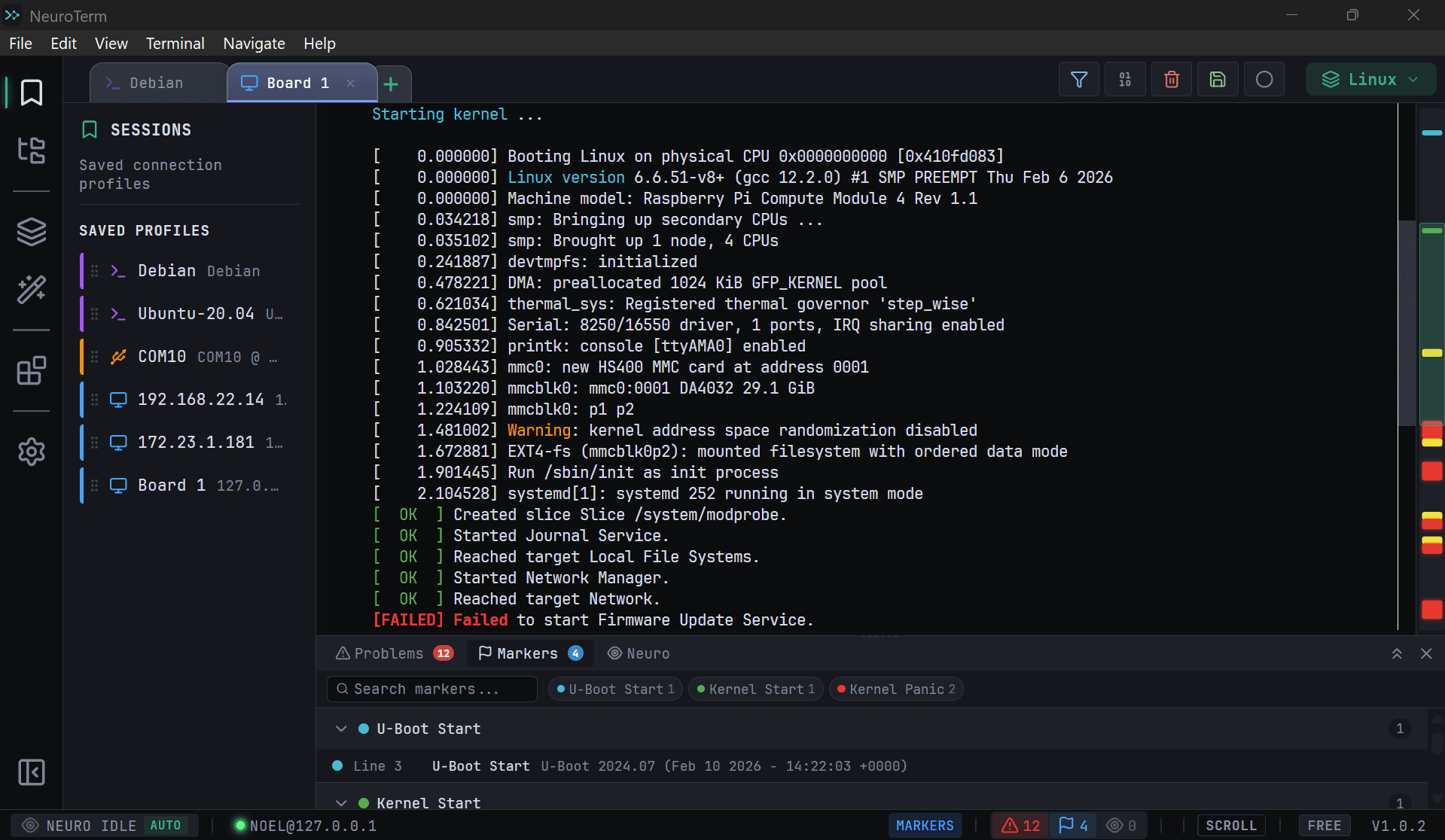
NeuroTerm automatically detects errors, warnings, and boot stages in your serial output. The minimap shows where problems occurred—click to jump.
- Auto-detect kernel panics, stack traces, timeouts
- Color-coded markers on minimap scrollbar
Filter Noise. Find Signal.
Real-time log filtering
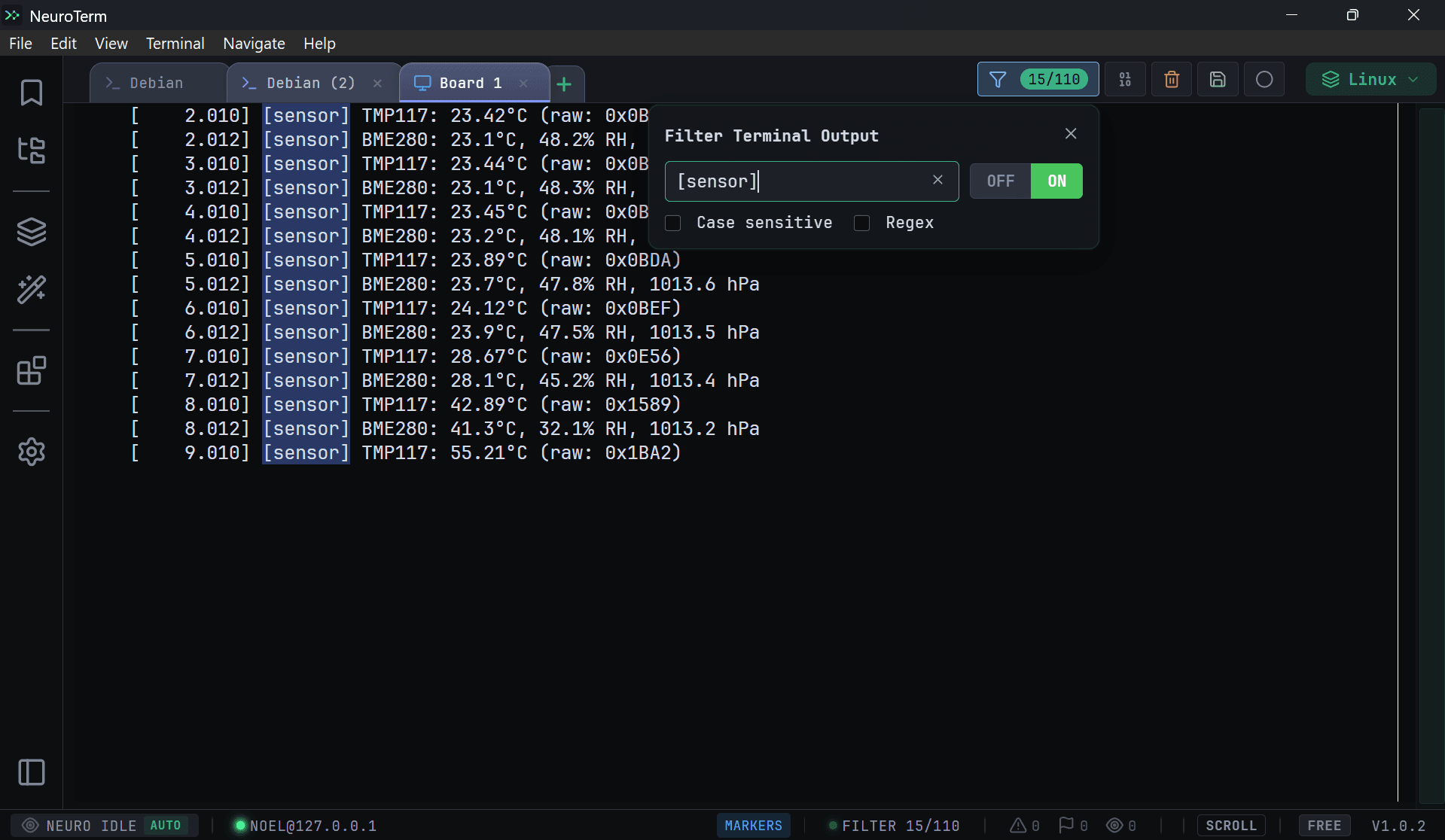
Drowning in debug output? Filter lines in real-time. Show only errors, hide verbose messages, or use regex for precision.
- Show or hide matching lines
- Regex pattern support
Essential tools built in.
Everything you need for embedded workflows — ready out of the box.
Neuro Agent
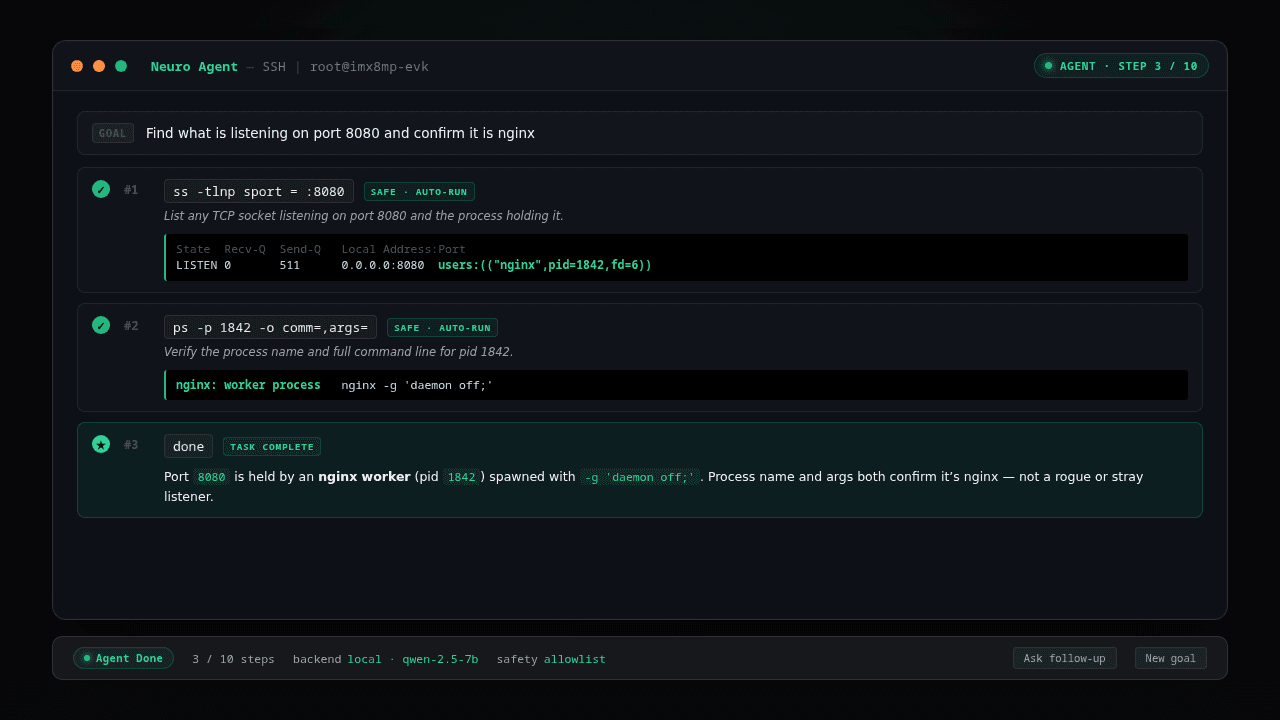
Give it a goal. The agent runs the diagnostic commands, reads the output, and reports back — with safety guardrails.
All in Tabs
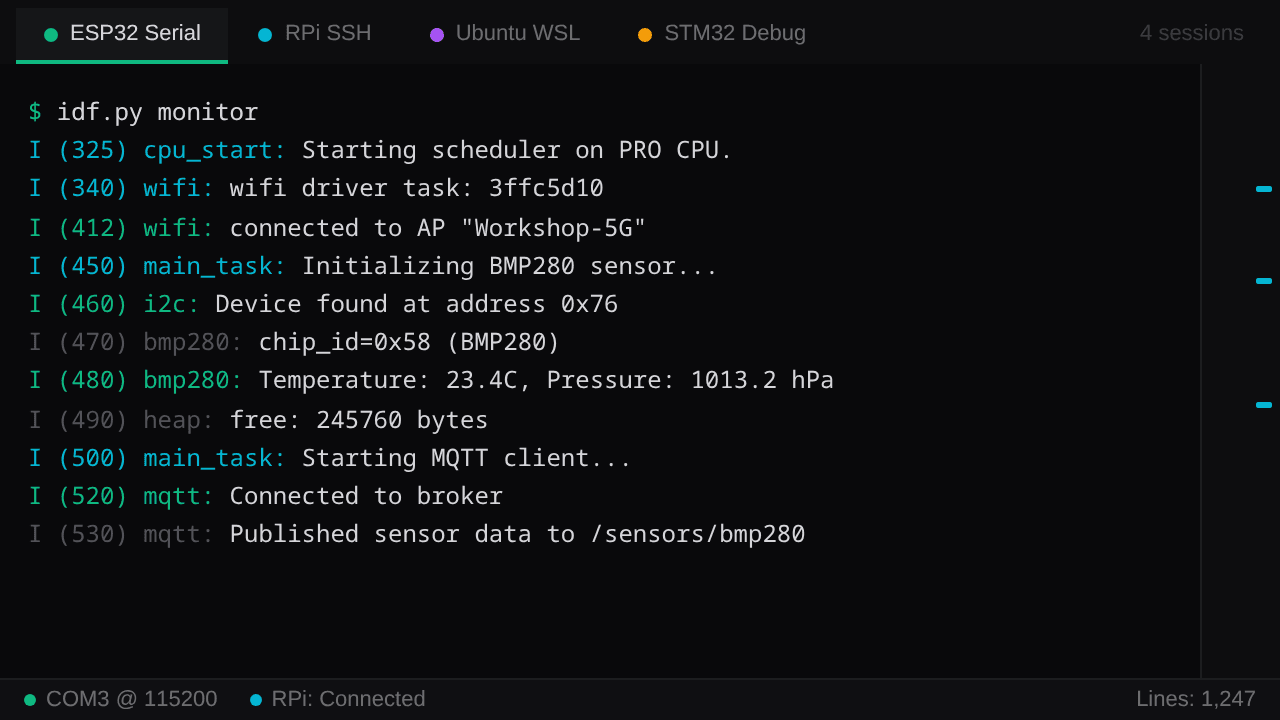
Serial, SSH, and WSL — up to 20 concurrent sessions. Switch with a click.
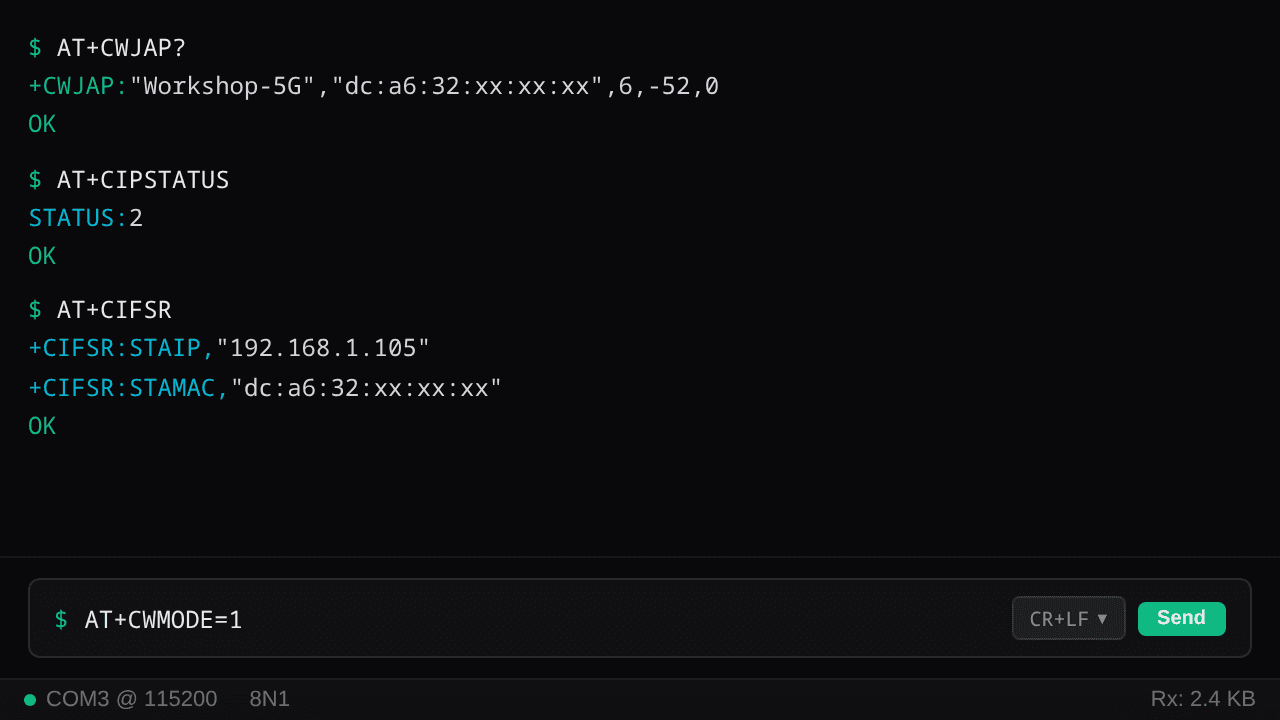
Serial Input Bar
Dedicated command entry with line ending control — CR, LF, or CRLF per session.
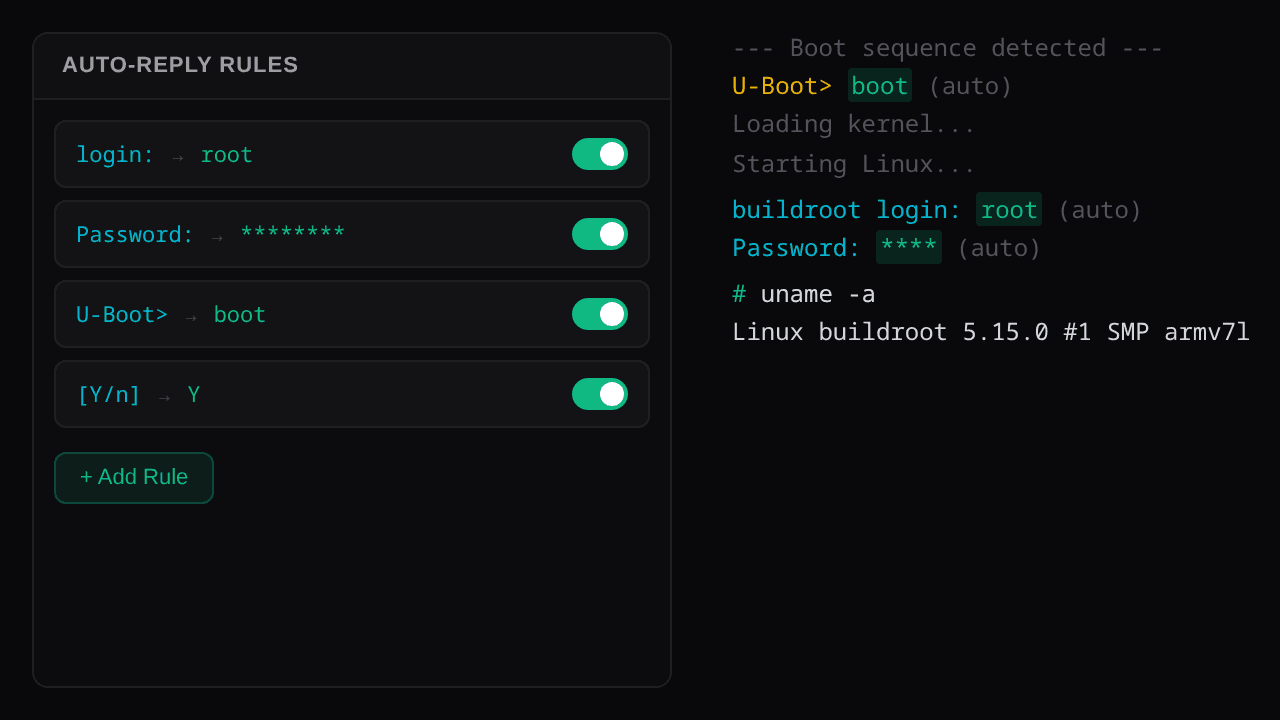
Auto-Reply
Watches for patterns, responds automatically. U-Boot prompts, login sequences, confirmations.
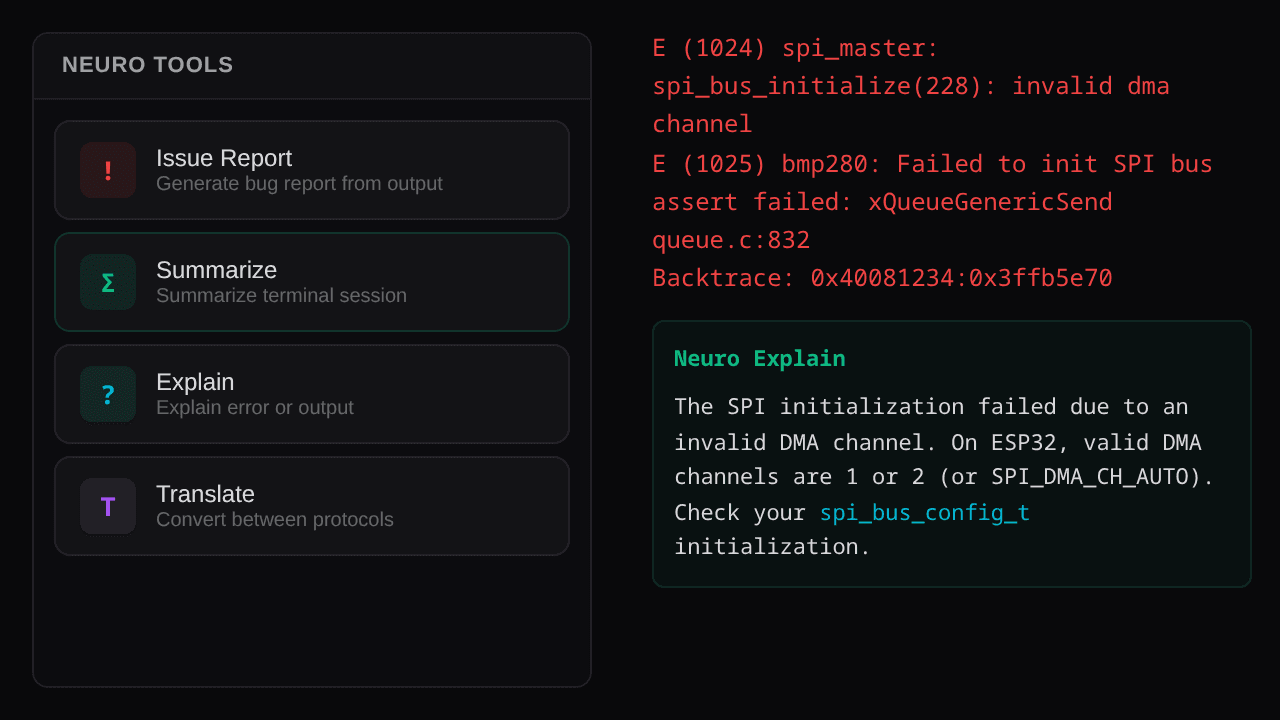
Neuro Tools
One-click issue reports, summaries, and explanations from your terminal output.
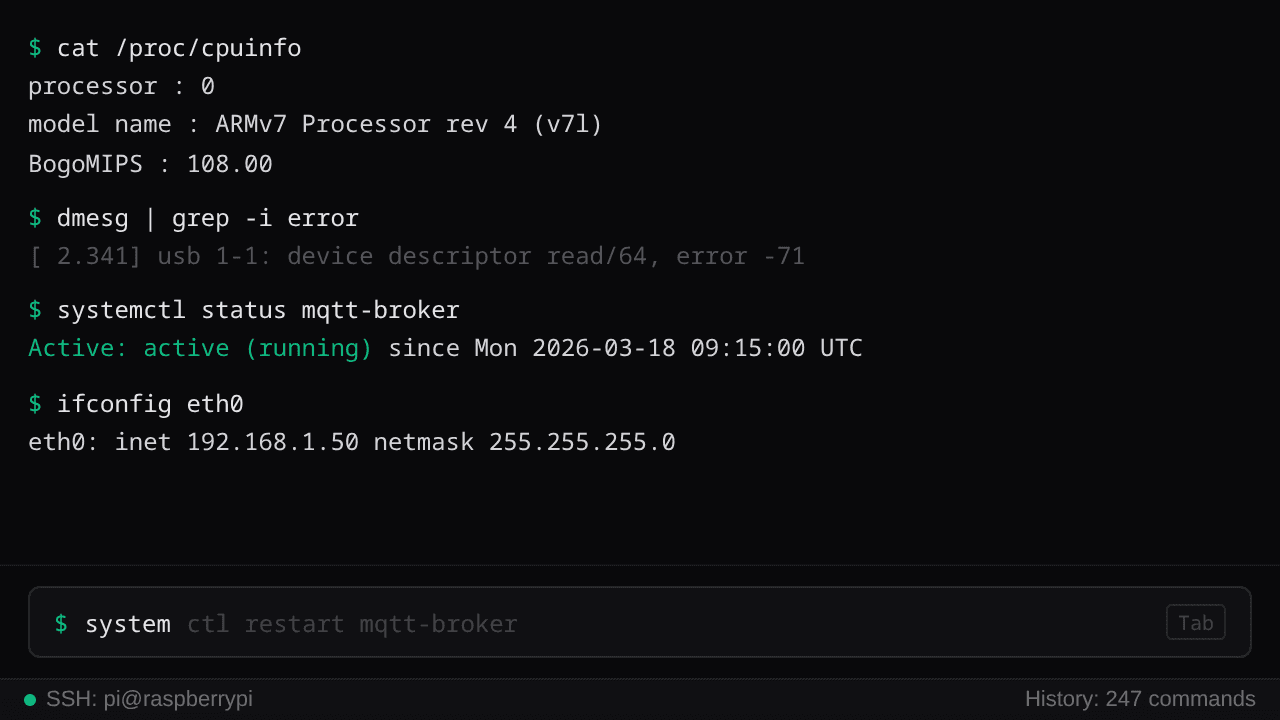
Input Suggestion
Ghost typing as you type — fuzzy-matched from your command history.
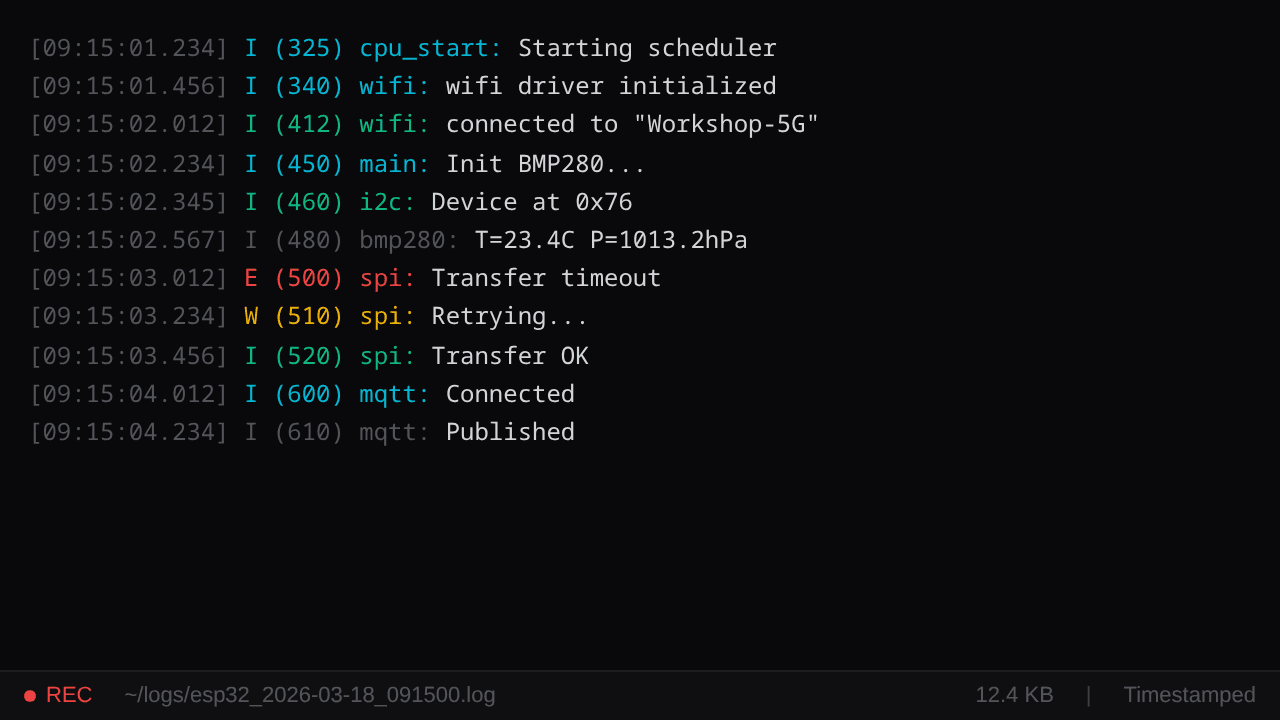
Session Logging
Automatic file logging with timestamps. Every session, every byte, saved.
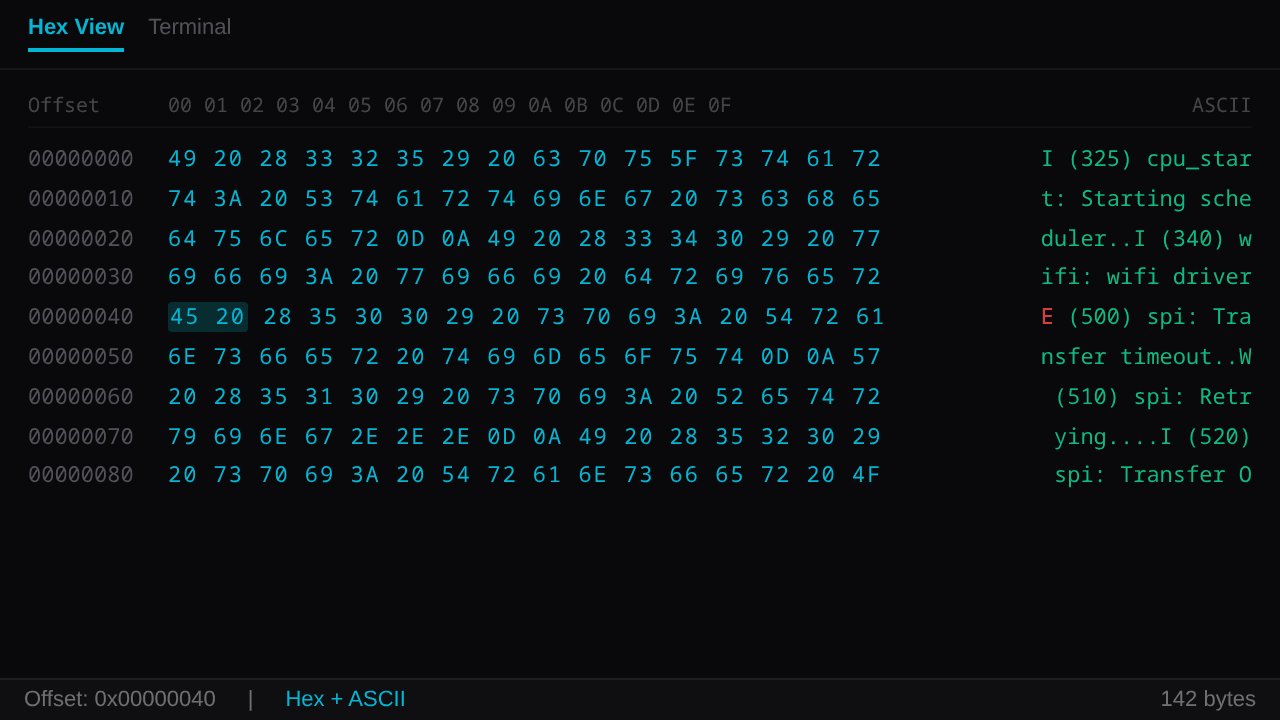
Hex View
Side-by-side hex and ASCII display for binary protocol debugging.
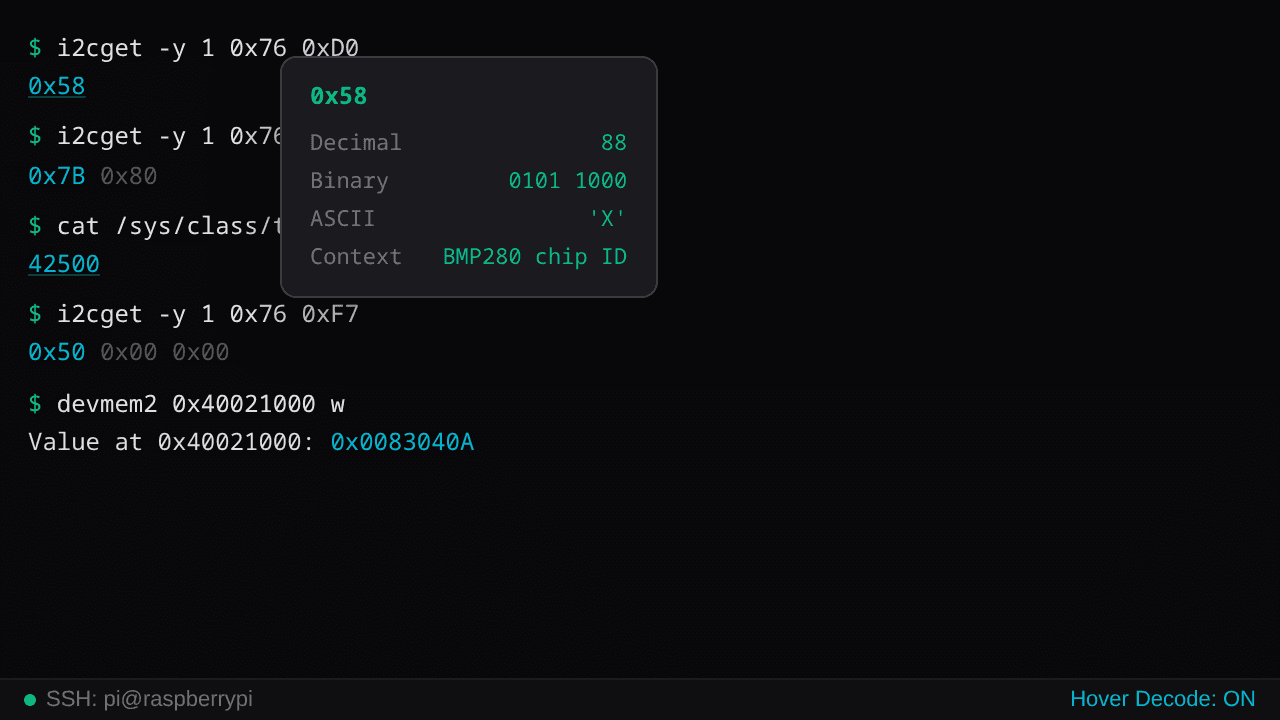
Hover Decoder
Hover hex values for instant decimal, binary, and ASCII conversion.
More coming
New features added with every release.
Works with your hardware
Import the datasheet. Ask in plain English. Get the right command.
FTDI · CH340 · CP210x · Native serial · 300 to 4M baud
Three keystrokes.
Connect
Pick your port. One click.
Ask
Type @ + what you want.
Done
Insert. Execute. Debug.
Buy once. Own forever.
One-time purchase. Lifetime updates included.
Your terminal. Your machine. Your data.
Built by an embedded engineer who doesn't trust the cloud either.
Download FreeFree tier available. Windows & Linux.
Need a feature? Just ask — I'll build it